Saltar al contenido principal
Schedule & ETAMake a Payment Find a Facility
WM logo
SupportSupport
WM logo

Supplier FAQs

The supplier knowledge you need, all in one place.

A smiling WM employee in a high-visibility shirt works at a computer in an office.

Coupa at WM

The Coupa solution provides many benefits to our suppliers, including free access to the Coupa Supplier Portal (CSP) where customers can manage their company information, view their POs, invoices, payment status and initiate e-invoicing to eliminate paper and support WM's green initiatives.

WM is committed to paperless processing as part of our Green initiatives. We hope that all our Suppliers will partner with us by signing up for a Coupa account to transact electronically.

To begin this process, Contact Supplier Support at wmsuppliersupport@wm.com. Please include your company name and contact information so that we can reach out to you.

Coupa doesn't charge suppliers to use the CSP.

Suppliers that need registration help can use the Coupa Success Portal or download the Suppliers Guide for Registration and E-Invoicing.

If you have a CSP account, go to your Customer Profile and select WM as the customer. Complete the WM SIM form with the info needing to be updated, then click Submit. Otherwise, reach out to your local WM contact.

WM will not issue payments through Coupa. However, you will be able to see your payment details through the Coupa Supplier Portal.

If you do not have a Coupa Supplier Portal Account, WM offers an Invoice Portal where you can see your payment status.

If you have confirmed that payment has been issued on our Coupa Supplier Portal or through the Invoice Portal but you did not receive it, please reach out to us at wmsc.ap@wm.com.

Need Help?

The WM Supply Chain team is standing by to help.

Invoicing

Contact the WM Corporate Accounts Payable team at wmsc.ap@wm.com and request to have your Coupa invoice disputed. Once the invoice shows in disputed status, you can submit a correction or void the invoice. Disputed invoices will be voided after 90 days of inactivity.

For any purchase order issues, email the WM Corporate Accounts Payable team at wmsc.ap@wm.com.

To add additional funds or to inquire about a change order, contact the requestor. Their contact information will be available on the purchase order you received.

Regardless of the method used to submit invoices, please ensure you clearly denote the WM PO # and PO Requester on the invoice.

Email Instructions
Invoices should be emailed to wminvoice@onlinecapturecenter.com.

Mailing Instructions (Canada)
Mailed invoices should be sent to: WM A/P DEPARTMENT
915 - 5525 West Blvd
Vancouver, BC V6M 3W6

Mailing Instructions (US)
Mailed invoices should be sent to: WM A/P DEPARTMENT
P.O. Box 4745
Portland, OR 97208-4745

Technical Support and Help

All browsers are supported, but Google Chrome is preferred.

Invoices can be attached in the Image Scan section of Coupa. Additional documents can be attached in the documents section using any of the following file types:

  • PDF

  • TIFF

  • DOC

  • JPG

  • XLS

  • XML

  • CSV

  • TXT

Check your spam/junk email folder.

There are two places you can visit for help with Coupa:

  1. Coupa Success Portal for Suppliers

  2. Coupa Live Chat

You must be logged in to the Coupa Supplier Portal to take advantage of the live chat feature.

If you don't have your six-digit backup validation code, contact Coupa Support directly.

Contact Coupa Support directly.

Contact wmsuppliersupport@wm.com for help.

Supplier Guides

Coupa

Coupa Supplier Registration and Electronic Invoicing

Creating an invoice

Creating a Credit Note

Receiving a Purchase Order

Supplier Profile Information Request Guide

Coupa Overview Guide

Coupa Supplier Portal Admin and User Guide

Five smiling professionals, some wearing WM-logo shirts, walk through a modern office.
Suppliers Overview

Our suppliers are essential to our business and our customers.

Learn More
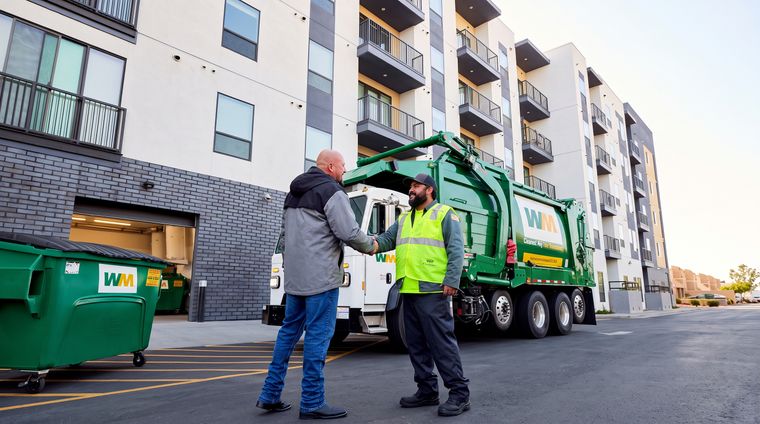
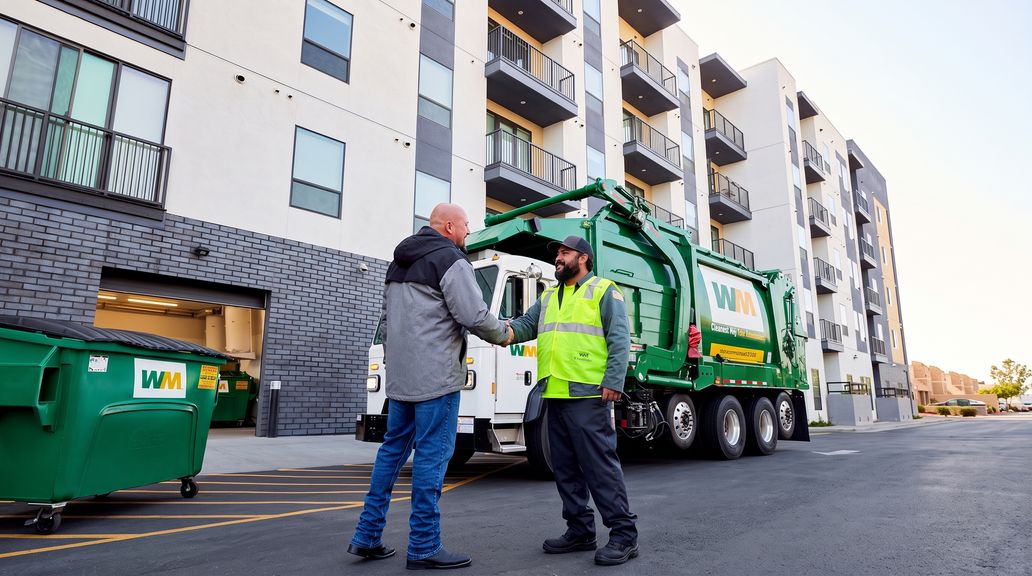
A Waste Management employee shakes hands with a man in front of a green WM garbage truck and dumpster.
Become a Supplier

Play an integral part in helping our business run.

Learn More
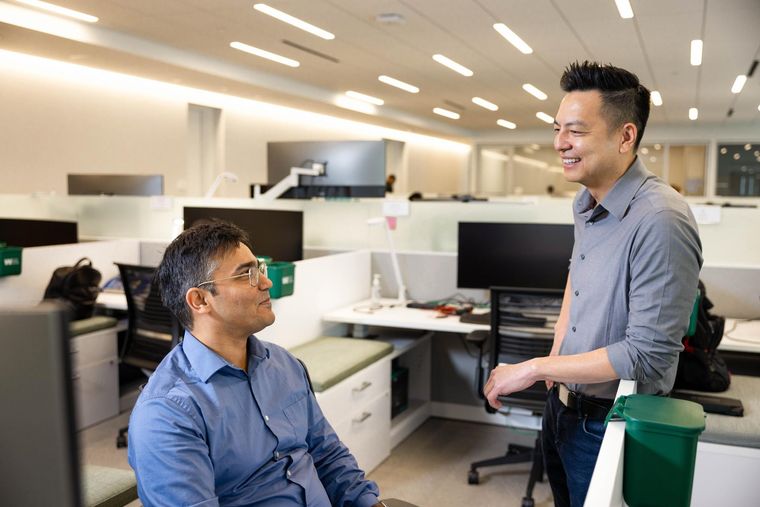
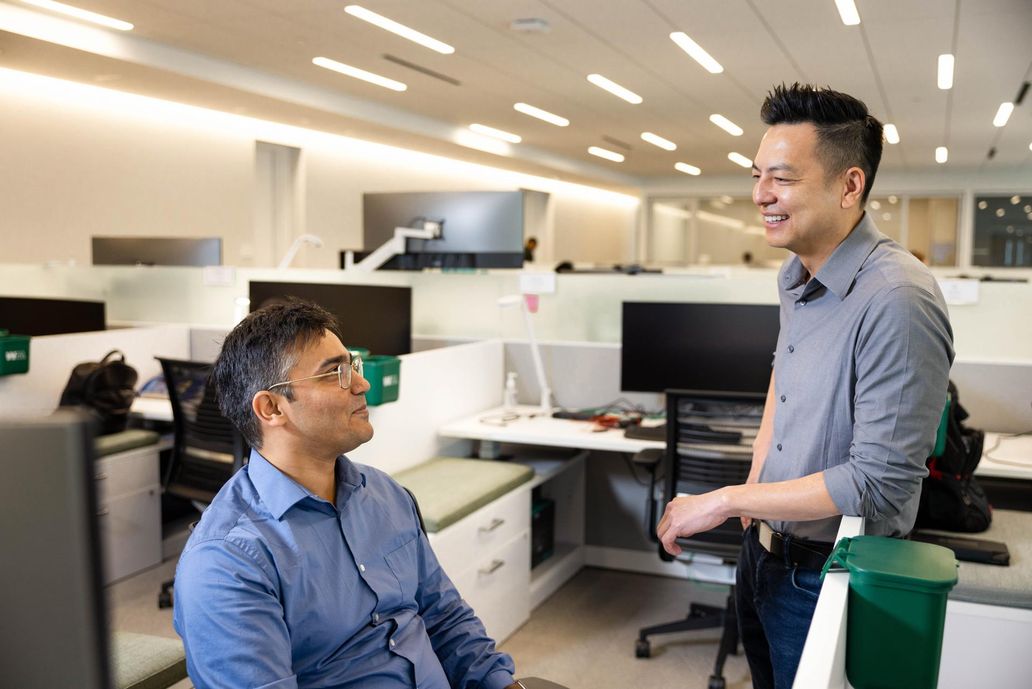
Two men in an office cubicle area, one seated and one standing, engaging in a friendly conversation.
How We Pay

WM has a variety of payment options for our varied suppliers.

Learn More
Five smiling professionals, some wearing WM-logo shirts, walk through a modern office.
Suppliers Overview

Our suppliers are essential to our business and our customers.

Learn More
A Waste Management employee shakes hands with a man in front of a green WM garbage truck and dumpster.
Become a Supplier

Play an integral part in helping our business run.

Learn More
Two men in an office cubicle area, one seated and one standing, engaging in a friendly conversation.
How We Pay

WM has a variety of payment options for our varied suppliers.

Learn More
Waste Management (WM) logo.

Products & Services

Residential Garbage & Recycling Pickup

Commercial Trash & Recycling Service

Roll-Off Dumpster Rentals

Bulk Pickup

Construction Waste Disposal

Bagster® - Dumpster in a Bag

eWaste

National Accounts

Moving In?

Customer Support

Pay My Bill

Billing & Invoice Help

Manage My Account

Log into MyWM

Customer Support

Request Extra Pickup

Report Missed Pickup

WM.com Security

Quick Info

Recycling 101

Our Service Areas

Find a Facility

10 Yard Dumpster

20 Yard Dumpster

30 Yard Dumpster

Holiday Schedule

Our Company

Who We Are

Media Room

WM Phoenix Open

Sustainability Report

Work With Us

Careers

Investors

Suppliers

Acquisitions & Divestitures

Former Employee HR Support

© 2026 WM Intellectual Property Holdings, LLC.

California Privacy Notice

Privacy Policy

Terms of Use

Service Terms & Conditions

Disputes/Arbitration

Accessibility

Sitemap

© 2026 WM Intellectual Property Holdings, LLC.

California Privacy Notice

Privacy Policy

Terms of Use

Service Terms & Conditions

Disputes/Arbitration

Accessibility

Sitemap

© 2026 WM Intellectual Property Holdings, LLC.

California Privacy Notice

Privacy Policy

Terms of Use

Service Terms & Conditions

Disputes/Arbitration

Accessibility

Sitemap